Code
Source code in 24 highlighted languages.
Before and after
func greet(_ name: String) -> String {
    "Hello, \(name)!"
}

print(greet("Peesuto"))
Have Peesuto? Copy the sample, then press ⌥V in any text field to get this card.
Pasted with ⌥V ↩
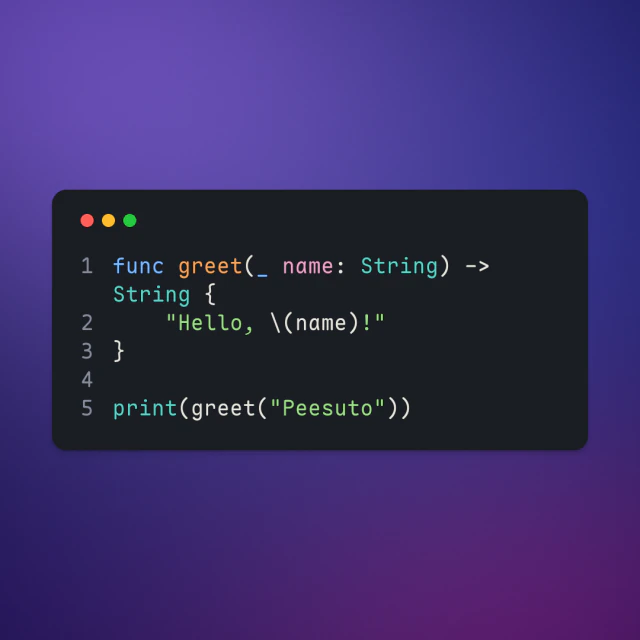
2 styles
Switch after pasting, or pick a default in Settings › Templates.
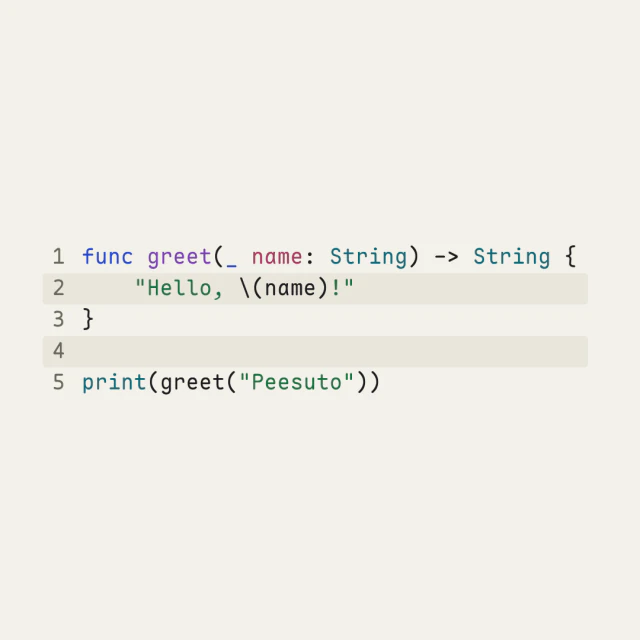
Square or wide
Images fit their content by default; choose 1:1, 4:5, 16:9 or 9:16 for any output. Content that does not fit a fixed frame grows the image, or scrolls in a GIF or video; nothing is cut.
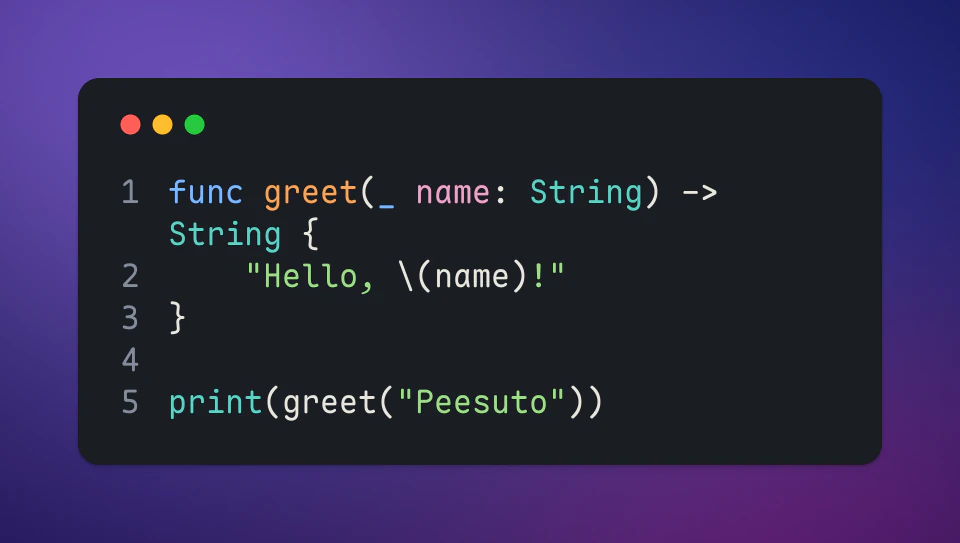
In motion
Press G in the chooser for a GIF or M for an MP4: the same card, revealed in reading order. The video needs ffmpeg on your Mac.
How Peesuto recognises it
A fenced ``` block, or text that is plainly code: function definitions, imports, SQL, JSON. The language comes from the fence or is detected; indentation is kept and long lines wrap.
The exact rules are in docs/templates.md.